Pathing & Travel settings
The first tab of the settings dialog controls how routes are executed and which travel methods pathfinding may use.
Pathing
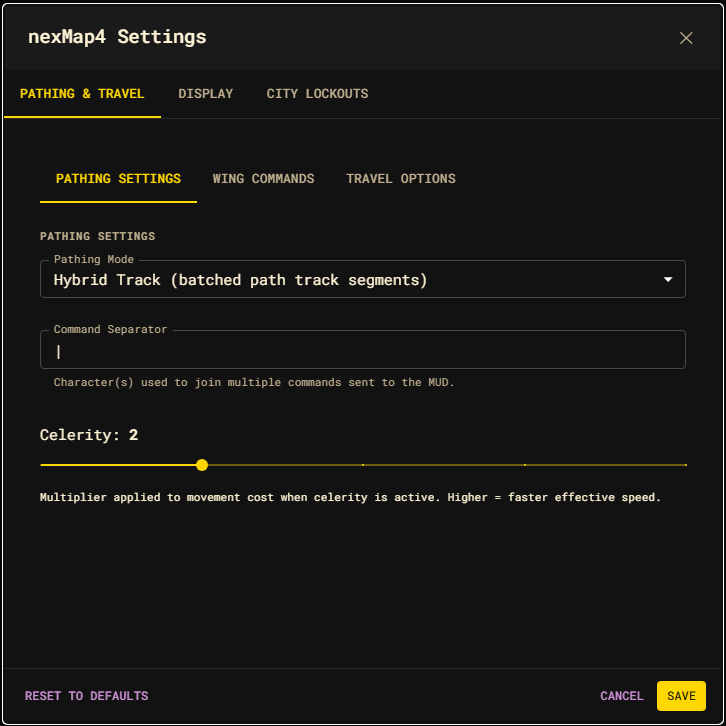
| Setting | Default | Effect |
|---|---|---|
| Pathing Mode | Hybrid Track | Hybrid Track batches eligible segments with Achaea's path track. Client Step sends one command per room, preserving room-by-room automation hooks. |
| Command Separator | | | The character(s) used to join multiple commands sent to the MUD in one line. |
| Celerity | 2 | Movement-cost multiplier (1–5) applied when celerity is active. Higher = faster effective speed and routing that favors it. |
See Travel and pathing for how the two modes execute the same computed route.
Travel Commands
The commands sent for configurable travel methods. Multi-command sequences use the separator configured under Pathing.
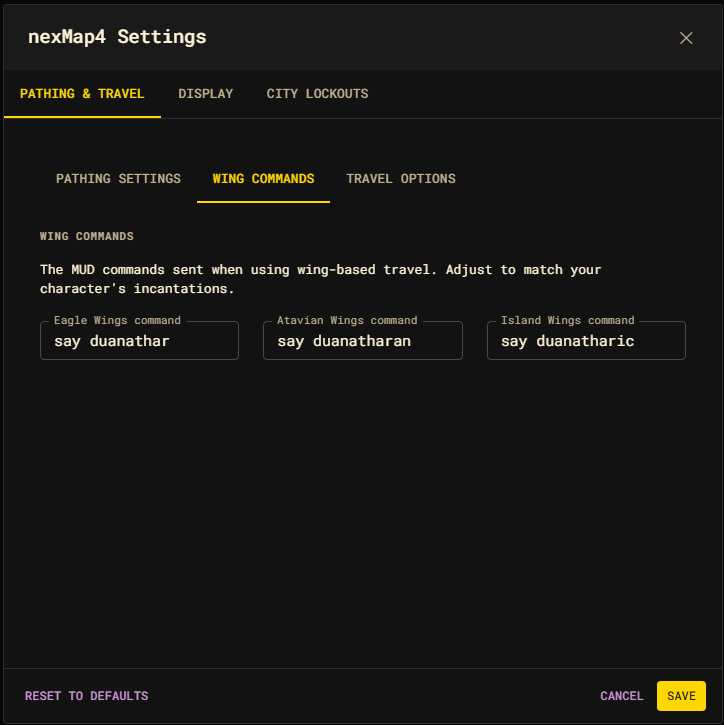
| Setting | Default |
|---|---|
| Eagle Wings command | say duanathar |
| Atavian Wings command | say duanatharan |
| Island Wings command | say duanatharic |
| Hourglass command | touch hourglass |
For example, if the hourglass is stored in a pouch and the command separator is
\|, set its command to get hourglass from pouch\|touch hourglass.
Travel Options
Each switch enables a travel class for pathfinding. Disabled methods are excluded from routing — their edges are pruned at query time. Enable only the methods your character can actually use.
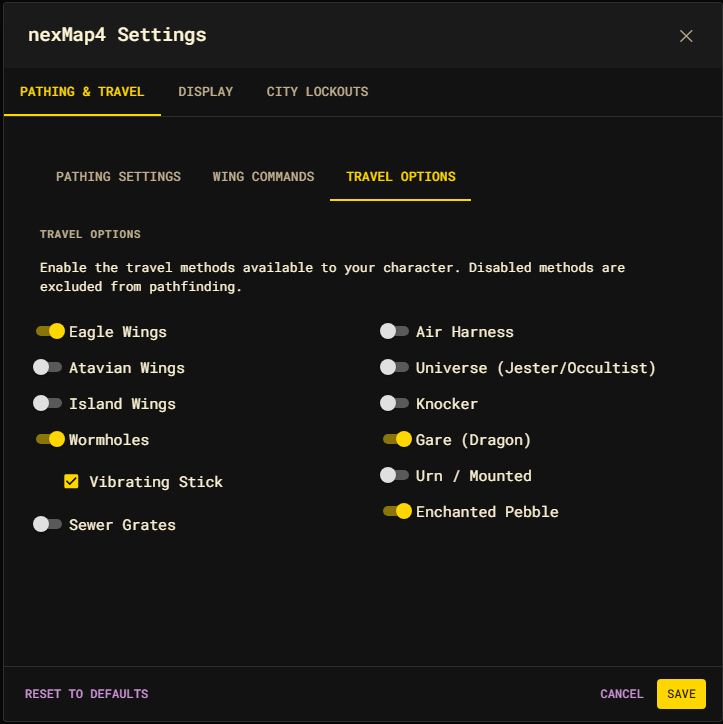
| Toggle | Travel class |
|---|---|
| Eagle Wings | eagleWings |
| Atavian Wings | atavianWings |
| Island Wings | islandWings |
| Wormhole | wormhole |
| Sewer Grate | sewergrate |
| Air Harness | airHarness |
| Universe | universe |
| Knocker | knocker |
| Gare | gare |
| Urn | urn |
| Hourglass | hourglass |
| Pebble | pebble |
Most classes start disabled by default. The Vibrating Stick checkbox (under Wormhole) toggles the vibrating-stick option used with wormhole travel.
You can flip the same toggles outside the dialog:
nm wormholes on
nm clouds off
nm hourglass on
nexMap.api.travel.enable("wormholes");
nexMap.api.travel.disable("clouds");
See Travel and pathing for the full class list and aliases.